
Rainfall is a criterion that can be of interest to manage different aspects of our smart home project and Fujin Irrigation has launched a Zigbee threshold rain gauge.
Why does the Fujin Zigbee rain gauge have this price?
Fujin presents a smart rain gauge that incorporates Zigbee technology, with an adjustable rain detection range from 3 to 25 mm and a physical button to simulate rain for testing.

Advantages and Disadvantages of the Fujin Zigbee Rain Sensor
Advantages
- Zigbeetechnology: If you want to have a unified smart home, Zigbee technology is an excellent choice with different smart devices from different brands in the market.
- Compatibilities: This Zigbee rain detector FJKZ020 is compatible with Tuya Smart Life, Home Assistant and Jeedom hubs with Zigbee2MQTT.
- Price: This Zigbee rain detector has an affordable price compared to other smart rain detectors on the market.
- Adjustment from 3 to 25 mm: You can choose the amount of rain you want to receive an alert.
- Rain simulation: You can simulate rain thanks to a physical button, being practical to test its good functioning in your domotic system.
- Rotating bracket: In addition to being able to fix this rain detector to a wall with its included plugs and screws, you can also fix it to a surface with its rotating bracket.
- Simulates the real behaviour of the soil: Unlike a rain sensor with a resistive strip that detects rain when drops fall, this Fujin detector integrates a system of evaporation of the absorbed water that is similar to the transpiration of the soil, which allows you to simulate its real behaviour and maintain a more coherent irrigation logic.
Disadvantages
- Zigbee hub required: In order to have rainfall histories, it is necessary to use a compatible Zigbee hub.
- It does not measure the amount of rainfall: You cannot know the amount of rainfall in real time, it is simply a binary detector adjustable from 3 to 25 mm.
Tutorial on how to use the Fujin Zigbee Threshold Rain Gauge
Let’s discover the details of the Zigbee threshold rain gauge from Fujin Irrigation.
General features of the Fujin Zigbee Threshold Rain Gauge
To begin with, if we open the packaging, we have an instruction manual.

A screwdriver and 2 dowels and screws.

And of course, we have the Fujin Irrigation smart rain gauge.

It is made of plastic and is grey in colour, with a green top cover.

Its dimensions are 9 × 14.8 × 5 cm.

At the top we can see the adjustment rod.

If we press the adjustment lever, we can simulate the presence of rain, being a first interesting detail as we will see below, to test that our rain gauge communicates correctly with our domotic hub without having to wait for rain to check it.

And also to test our automations and verify that everything works correctly.
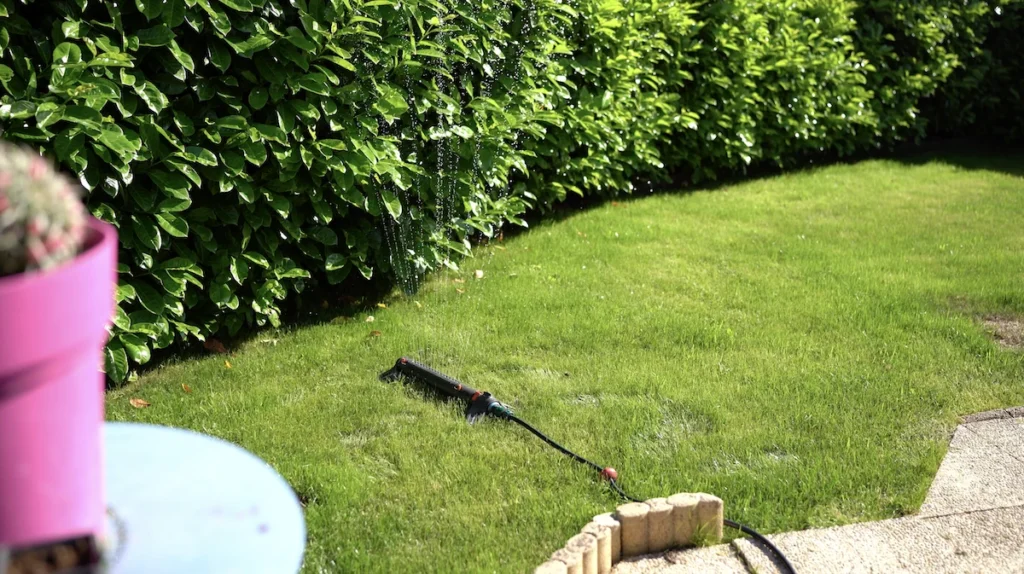
The green cover incorporates sensitivity settings of 3, 6, 12, 20 and 25 mm.

You can select one of these values, and when the amount of accumulated rainfall exceeds that threshold, the status of the device changes from “no rain” to “rain”.
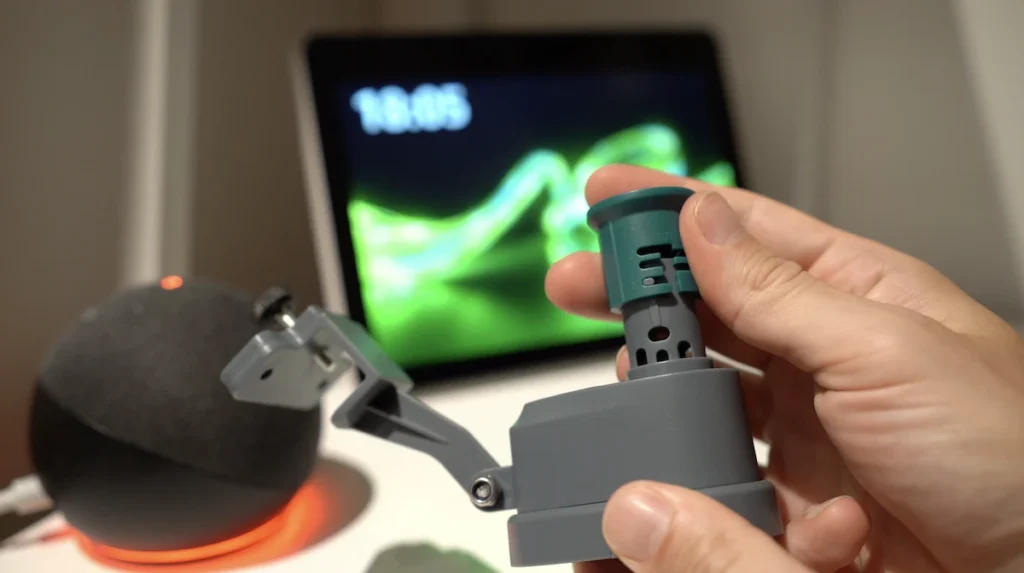
In other words, it is not a rain gauge that measures the exact amount of rainfall in real time, but a threshold rain gauge, with which you can choose a value between 3 and 25 mm.

When this set value is exceeded, the sensor changes its binary state from “no rain” to “rain”.

This setting may be useful in your environment, depending on soil type, wind, direct sunlight, rainfall in your garden and other criteria that you want to assess.

Unlike a resistive strip rain sensor, which detects the first drops of water, this Fujin sensor simulates soil moisture, allowing automatic irrigation to continue until a significant amount of rainfall is reached.

When a certain amount of water falls, it is absorbed by the sensor and its behaviour coincides with the characteristics of the soil.

At this point, the device changes its status and can be used to automatically stop watering.

In contrast, with a conventional resistive sensor, if it has rained heavily and then there is sun or wind, the surface can dry out quickly.

This causes the sensor to indicate that it is “no longer raining”, reactivating irrigation too early and causing overwatering of the plants.
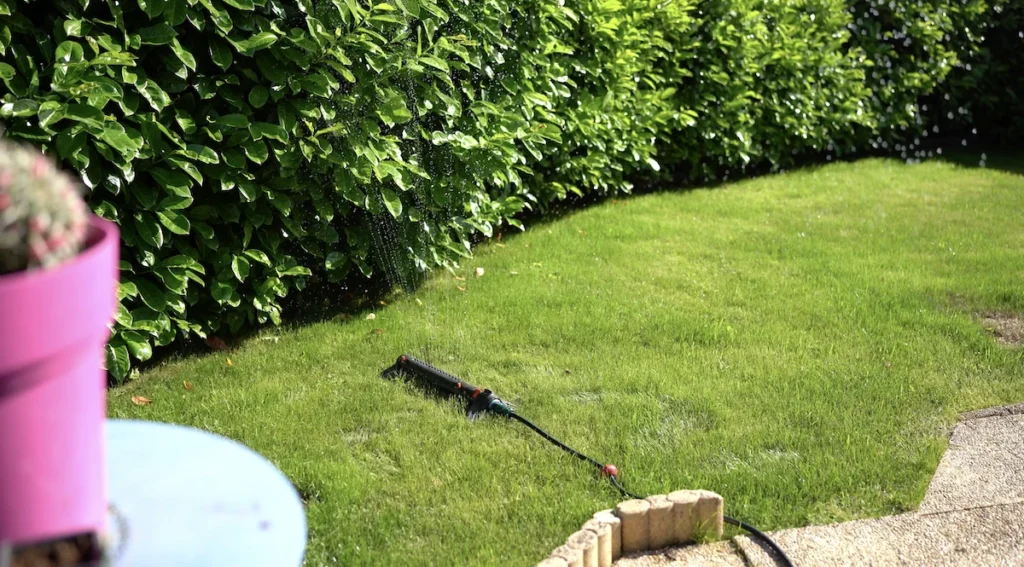
With the Fujin sensor, the process is different: the evaporation of the absorbed water takes place in a similar way to the transpiration of the soil, which makes it possible to simulate its real behaviour and maintain a more consistent irrigation logic.

Therefore, this device can be an excellent ally to achieve a more precise irrigation, avoiding premature interruptions when only a few drops have fallen and the soil moisture is still low.

Then there is a physical button that allows it to be easily linked to a home automation hub.

And speaking of compatible home automation hubs, this rain detector communicates with Zigbee technology and you can use it with a home automation hub from the Tuya ecosystem and the Smart Life app.

Or with the Zigbee2mqtt platform with Home Assistant or Jeedom universal hubs.

We have an LED indicator that transmits information to us, such as when we simulate rain or when we want to link the device to a home automation hub.

And this device comes with an adjustable rotating bracket to fix it on a surface in your garden with its screw or on a wall thanks to the included plugs and screws.

Finally, underneath, we have the battery holder and this Zigbee threshold rain gauge is powered by 2 AAA batteries which are not included.

How to install the Fujin Zigbee Threshold Rain Gauge
To install this Zigbee rain detector, the manufacturer recommends not to install it in a place with obstacles such as walls, bushes or structures that can block direct rain.

You should also avoid installing it under gutters, roofs and trees, as it may alter the actual rain detection.

It should also not be installed on surfaces where debris such as shavings, leaves or dust accumulates, as this can affect drainage or water absorption.

And avoid areas with constant strong wind, which can distort the natural evaporation of the sensor.

Another detail to note is that the rain detection part of the sensor must be installed in an upright position and not twisted.

To fix this device, as I mentioned, you have 2 methods:
- You can use the adjustable rotating bracket to fix it to a surface with its screw.

- Or you can fix it with the 2 dowels and screws to a wall.

How to link the Fujin Zigbee rain detector
This Fujin Zigbee threshold rain gauge can be linked to a Zigbee hub from Tuya, Home Assistant or Jeedom.
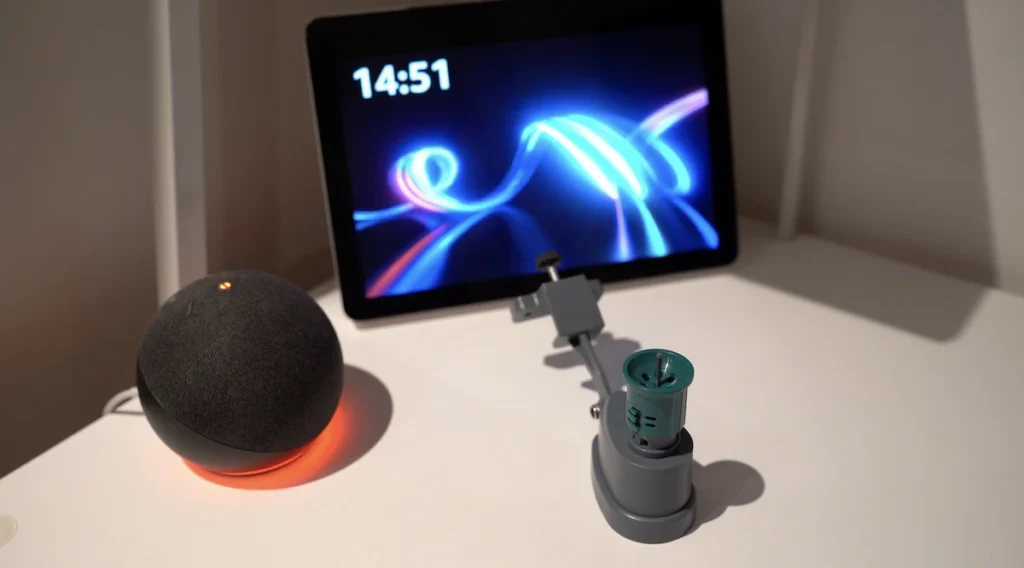
How to link Fujin rain detector with Zigbee2Mqtt
If you use Zigbee2mqtt with Home Assistant or Jeedom, you must launch the inclusion mode from its interface.

At this point, you must press the physical button on the Zigbee rain detector for a few seconds until its LED indicator starts flashing red, signifying that it is in inclusion mode.

You should now see your device appear in the Zigbee2mqtt interface.

So now you will have control of when it rains at a certain defined level, from your phone, anywhere in the world.

How to link the Fujin rain detector to Tuya Smart Life
With a Tuya hub, the process is similar. From the Smart Life app on your phone, click on the “+” button at the top right and “Add device”.
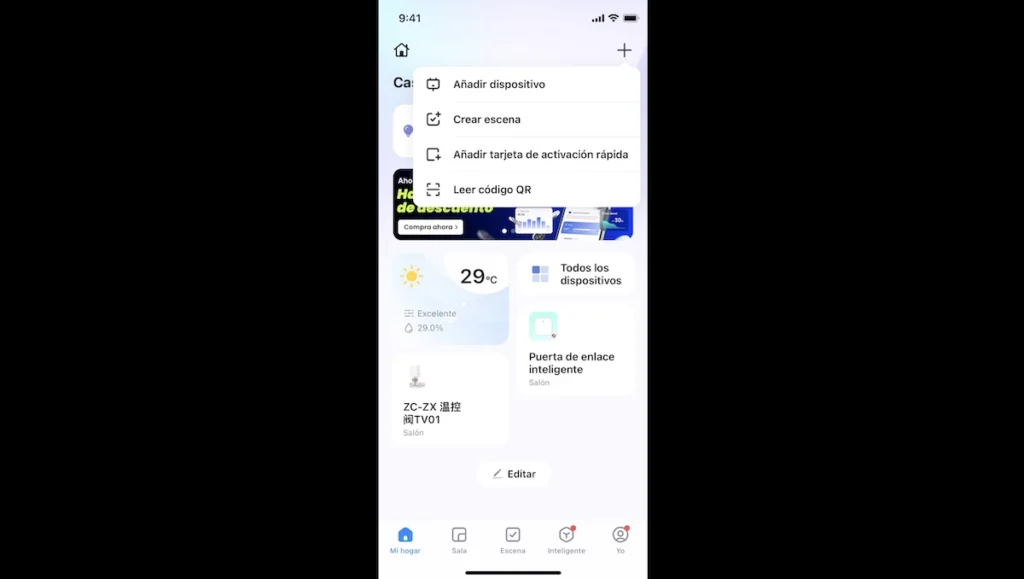
At this point, you must press the physical button on the Zigbee rain detector for a few seconds until its LED indicator starts flashing red, signifying that it is in inclusion mode.

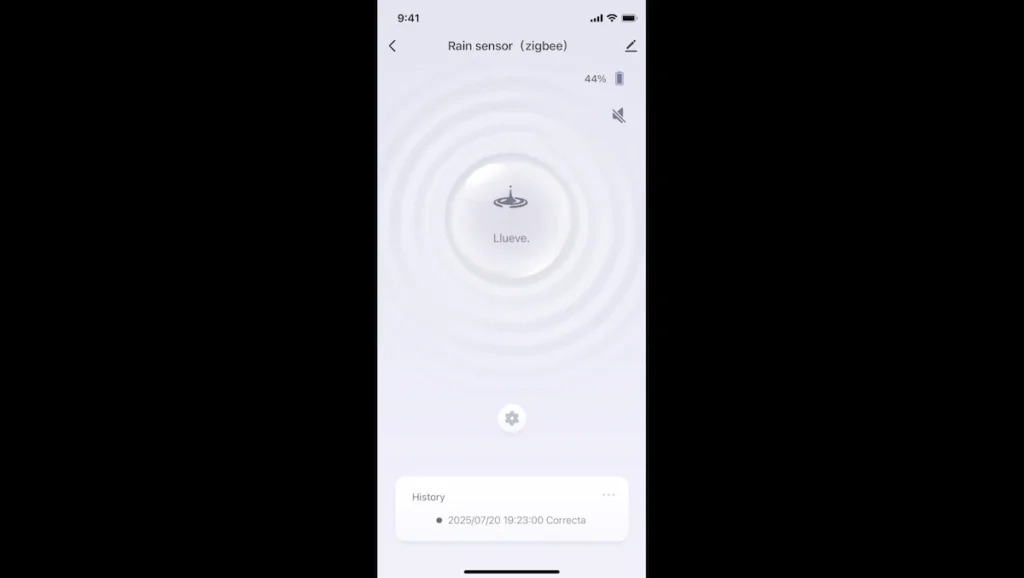
You should now see your device appear in the Smart Life interface.

So you can control when rain is detected at a certain minimum amount from your phone.
Detailed functions of the Fujin Zigbee rain detector
Let’s discover the detailed functions of this device.
Zigbee rain detector functions in Zigbee2Mqtt
In Zigbee2Mqtt, we have different information. “Water Leak” is the main function of the device, which tells us when it rains or when it doesn’t rain according to the minimum amount that you have physically configured on the green cap.

You can simulate rain by pressing the adjustment lever to check that it works properly at any time.

Thanks to your home automation hub, you will be able to have a history of all rainfall detections and no rainfall over time.

“Battery Low” is a status that indicates when the battery is low or not, a status that can be useful to receive a battery maintenance alert.

“Battery” shows you the battery level in percentages from 0 to 100 %.

“Tamper” is an anti-tamper function that must not be available with this device.

And “Link quality” is the communication quality of the Zigbee threshold rain gauge with your Zigbee home automation hub.

If you see a low level, you may consider purchasing Zigbee devices that automatically repeat the signal, such as any Zigbee socket, Zigbee light bulb or other device connected to the power supply.

Please see my content on LQI Zigbee for more details.

Functions of the Zigbee rain detector in Smart Life
In Smart Life, we can see the status of “rain” or “no rain”.

And we can simulate rain by pressing the adjustment lever on the device.

At the top right, we can see the battery level in percentages from 0 to 100 %.

Below, we have access to a history of all “rain” and “no rain” statuses over time.

And although Smart Life has no visibility on the link quality of the device, if you do rain simulation tests and you have communication failures, you can buy Zigbee devices compatible with the Tuya ecosystem such as Tuya Zigbee bulb, Tuya Zigbee plug or any device to improve this range automatically.

Of course, the magic of a smart home is to combine different devices in automations with defined criteria.
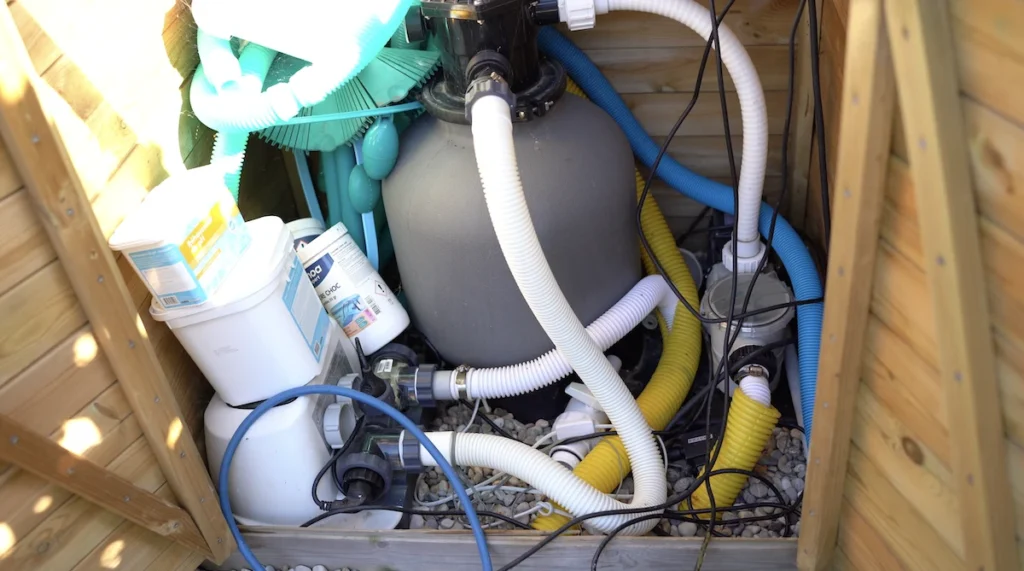
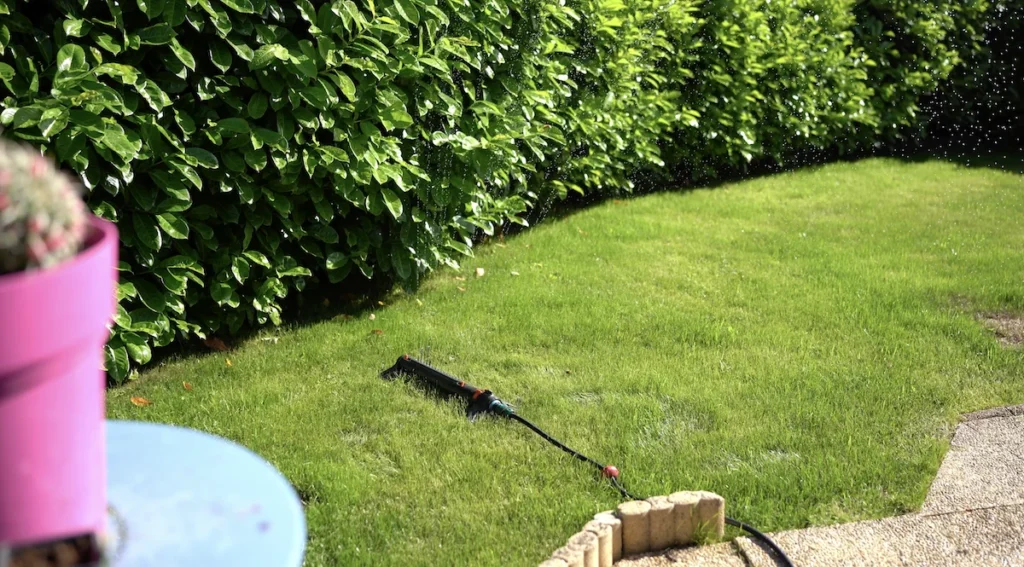
As I mentioned, a great utility of this device is to be able to improve garden irrigation, of course, by additionally purchasing an irrigation controller compatible with your home automation hub and creating automations such as, for example, watering every x period if a minimum amount of rain was not detected by this Fujin Zigbee rain detector.

Although we can, in some cases, automate according to the weather conditions retrieved from the internet in our city, installing a rain detector in our garden allows us to have greater reactivity and precision, as we have the information in real time.

And, for example, if we use this Fujin Zigbee threshold rain gauge with a specific Tuya home automation hub from Moes that works locally.

With a Jeedom Luna hub.

Or a Home Assistant Green hub, which allows us not to depend on the internet to know when it rains and to have an automated irrigation system depending on whether it rains or not.
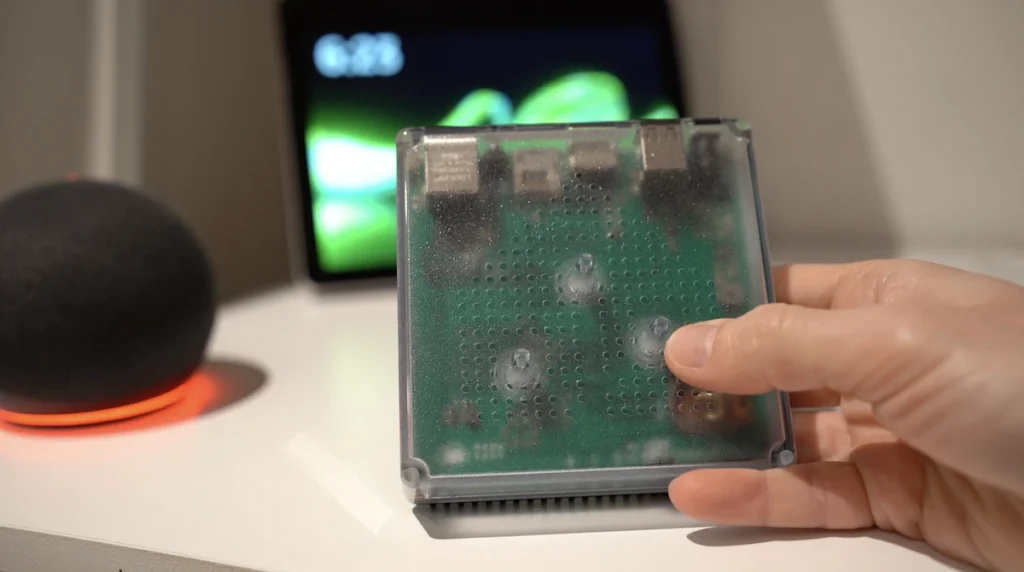
This means that your automatic irrigation system can work without an internet connection in these specific cases.
However, if you want other types of automation, such as receiving an alert when the first drops of water fall, you can take measures such as putting clothes and other rain-sensitive objects inside the house.

Or to automatically close your Velux.

In these cases, it is recommended to use a Zigbee rain detector such as the Mumubiz rain detector which, with its resistive strip, detects the first drops of water.

Generally purchased together


Buy now your Fujin Threshold Zigbee Rain Gauge

Graduated with a Higher Technician’s Certificate in Home Automation, a Professional Bachelor’s degree in E-commerce and Digital Marketing, and a Master’s degree in SEO, I have been working since 2013 in a home automation e-commerce company called Domadoo, where I have the opportunity to test a large number of the popular Smart Home products on the market.